ixBrowser: Best GeeLark Alternatives in 2026
When searching for solutions for multi-account management, users often encounter a core dilemma: powerful tools usually come with significant complexity and a steep learning curve, while opting for simplicity may compromise essential security and control. The quest for this balance creates a demand for more diverse options in the market.
Against this backdrop, a noteworthy trend is the emergence of tools that focus on delivering a clear value proposition. They aim to meet the practical needs of teams and individuals of varying scales by optimizing the experience for specific use cases, offering more intuitive management interfaces, or providing more flexible collaboration models.
Consequently, when evaluating whether your current tool fully aligns with your workflow and budget, it becomes a natural and logical step to explore an alternative known for its strengths in cost control, ease of adoption, and team collaboration. The following details several key advantages that make it a compelling substitute.
What is GeeLark?
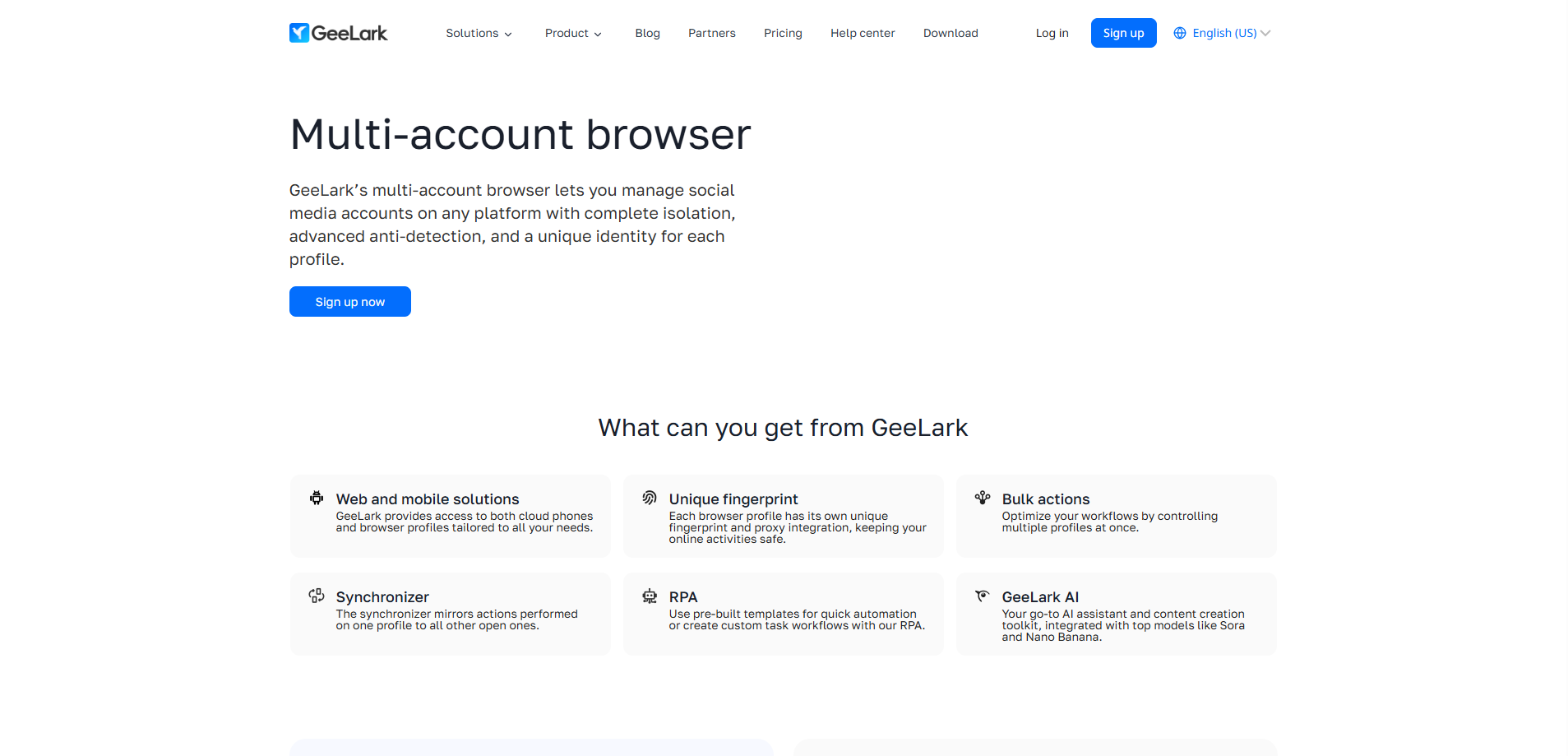
GeeLark Multi-Account Browser is a specialized anti-detect browser designed for efficient and secure management of multiple social media accounts. It enables users to operate numerous distinct accounts on the same website simultaneously without interference, making it ideal for scenarios like social media marketing and e-commerce operations that require multi-account management.
Its core technology ensures account security through three key layers of protection: Session Isolation keeps cookies and local storage separate for each browsing environment; Fingerprint Masking makes each profile appear as a unique physical device with distinct OS, resolution, fonts, etc.; combined with Proxy Integration, a unique IP address can be assigned to each account to simulate different geographic locations. Together, these measures cause websites to recognize each account as coming from a different real user and device, effectively avoiding detection based on account association.
Notably, GeeLark is the first platform to seamlessly integrate web-based multi-account browsing with multi-account cloud phone features for managing native mobile apps. Within a single, unified solution, users can efficiently manage various social accounts across both websites and mobile applications, enabling truly boundary-free scaling of operations.
Advantages of GeeLark
Triple Protection Technology
GeeLark employs a triple-layer protection system (session isolation, fingerprint masking, and proxy integration) to systematically create isolated browsing environments. This effectively prevents account linkage due to shared cookies, device fingerprints, or IP addresses, providing a solid technical foundation for multi-account management.
Pioneering integration of web page and cloud phone functions
It is the first platform to unify web-based multi-account browsing with cloud phone management for native mobile apps. This innovation addresses the pain point of managing accounts across both web and mobile app channels, enabling omni-channel operations within a single platform and significantly improving efficiency.
Designed specifically for large-scale operations
Its core design purpose is enabling secure “multi-accounting” at scale. All features serve batch management, team collaboration, and workflow automation, making it particularly suitable for business scenarios like social media marketing and e-commerce that require large-scale account matrices.
Disadvantages of GeeLark
Relatively complex configuration, with a learning curve
To fully utilize its anti-detection capabilities, users need to configure and manage high-quality proxy IPs themselves and understand fingerprint parameter settings. This presents a technical barrier and learning curve for beginners, and incorrect configuration may increase risks.
Highly dependent on external proxies
The browser itself only addresses the local fingerprint; the account's “network fingerprint” (IP) entirely depends on the quality, stability, and cleanliness of external proxy services. This represents an ongoing, critical external cost and variable that may affect the stability of the overall disguise.
Overly narrow functional focus
All its designs are intensely focused on the single core task of “multi-account anti-association.” For average users managing only a few accounts, its features might seem excessive, and it may lack the flexibility offered by general-purpose browsers or pure automation/RPA tools.
What is ixBrowser?
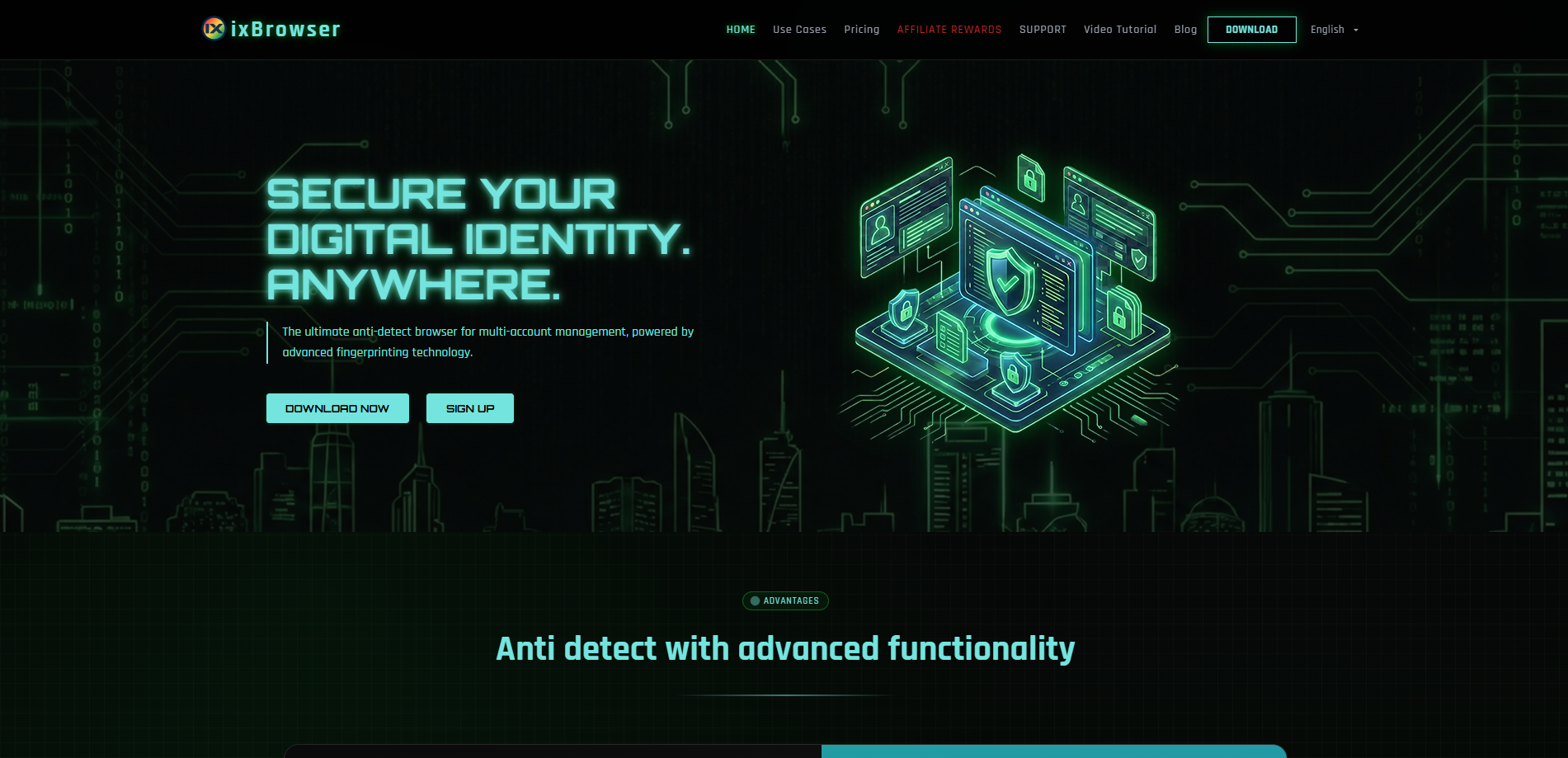
ixBrowser is a comprehensive anti-detect browser specifically designed for managing multiple online accounts securely and efficiently. It enables users to create isolated browser environments, each with a unique and consistent digital fingerprint. This technology is crucial for professionals in digital marketing, e-commerce, and social media management to operate multiple accounts without triggering security flags or bans from platforms.
The platform stands out with its user-friendly interface, making sophisticated fingerprint spoofing accessible even to less technical users. Beyond core profile management, ixBrowser supports advanced features like team collaboration with detailed permission controls, seamless proxy integration, and automation through browser automation studios. It provides a robust solution for tasks ranging from affiliate marketing and ad verification to large-scale data scraping.
Why is ixBrowser the best alternative to GeeLark?
Significant cost-effectiveness and flexible pricing
ixBrowser typically offers more competitive pricing and flexible subscription plans. Compared to some premium brands, it provides more affordable access to core features like browser environment isolation and fingerprint masking, often with pay-as-you-go options based on profile count or duration. This lowers the entry barrier and allows for better budget control for individual users and small to medium-sized teams.
Lightweight and easy-to-use focus on core functions
The design of ixBrowser often prioritizes user-friendliness and a shorter learning curve. With a streamlined interface and clear configuration steps, it reduces the technical complexity typically associated with anti-detect browsers, allowing users to quickly create and manage multiple independent browser fingerprint profiles, thereby improving operational efficiency.
Stable fingerprint masking technology and broad compatibility
It reliably generates unique and stable browser fingerprints (e.g., for Canvas, WebGL, fonts, time zone), effectively preventing account linkage due to identical fingerprints. It also maintains good compatibility with major e-commerce, social media, and advertising platforms, meeting the needs of most multi-account operation scenarios.
Convenient team collaboration and streamlined management
ixBrowser includes practical team collaboration and permission management features. Administrators can easily assign different browser profiles or account permissions to team members and centrally manage settings like proxy IPs. This facilitates task division, progress tracking, and security audits, making it particularly suitable for marketing or operations teams that require collaborative work.
More Direct and Efficient Problem Identification & Support Response
When issues arise in MoreLogin’s complex environment (e.g., account abnormalities), troubleshooting must cover both browser fingerprints and the cloud phone environment, increasing the complexity of technical support. With ixBrowser, due to its single environment and clear architecture, both users and support teams can more quickly pinpoint problems at the web browser fingerprint or proxy level, making troubleshooting and resolution more direct and efficient, thereby minimizing impact on business continuity.
Conclusion
In summary, if you are looking for an alternative to GeeLark, ixBrowser, with its excellent cost-effectiveness, ease of use, reliable core technology, and team collaboration features, becomes a highly worthwhile option to consider. It is particularly suitable for small to medium-scale multi-account operators who prioritize cost control, desire quick deployment, and require team collaboration.
If you can share the specific platforms you plan to manage (such as Facebook, TikTok, Amazon, etc.) and the approximate number of accounts, I can provide you with a more targeted analysis of feature compatibility.
Against this backdrop, a noteworthy trend is the emergence of tools that focus on delivering a clear value proposition. They aim to meet the practical needs of teams and individuals of varying scales by optimizing the experience for specific use cases, offering more intuitive management interfaces, or providing more flexible collaboration models.
Consequently, when evaluating whether your current tool fully aligns with your workflow and budget, it becomes a natural and logical step to explore an alternative known for its strengths in cost control, ease of adoption, and team collaboration. The following details several key advantages that make it a compelling substitute.
What is GeeLark?
GeeLark Multi-Account Browser is a specialized anti-detect browser designed for efficient and secure management of multiple social media accounts. It enables users to operate numerous distinct accounts on the same website simultaneously without interference, making it ideal for scenarios like social media marketing and e-commerce operations that require multi-account management.
Its core technology ensures account security through three key layers of protection: Session Isolation keeps cookies and local storage separate for each browsing environment; Fingerprint Masking makes each profile appear as a unique physical device with distinct OS, resolution, fonts, etc.; combined with Proxy Integration, a unique IP address can be assigned to each account to simulate different geographic locations. Together, these measures cause websites to recognize each account as coming from a different real user and device, effectively avoiding detection based on account association.
Notably, GeeLark is the first platform to seamlessly integrate web-based multi-account browsing with multi-account cloud phone features for managing native mobile apps. Within a single, unified solution, users can efficiently manage various social accounts across both websites and mobile applications, enabling truly boundary-free scaling of operations.
Advantages of GeeLark
Triple Protection Technology
GeeLark employs a triple-layer protection system (session isolation, fingerprint masking, and proxy integration) to systematically create isolated browsing environments. This effectively prevents account linkage due to shared cookies, device fingerprints, or IP addresses, providing a solid technical foundation for multi-account management.
Pioneering integration of web page and cloud phone functions
It is the first platform to unify web-based multi-account browsing with cloud phone management for native mobile apps. This innovation addresses the pain point of managing accounts across both web and mobile app channels, enabling omni-channel operations within a single platform and significantly improving efficiency.
Designed specifically for large-scale operations
Its core design purpose is enabling secure “multi-accounting” at scale. All features serve batch management, team collaboration, and workflow automation, making it particularly suitable for business scenarios like social media marketing and e-commerce that require large-scale account matrices.
Disadvantages of GeeLark
Relatively complex configuration, with a learning curve
To fully utilize its anti-detection capabilities, users need to configure and manage high-quality proxy IPs themselves and understand fingerprint parameter settings. This presents a technical barrier and learning curve for beginners, and incorrect configuration may increase risks.
Highly dependent on external proxies
The browser itself only addresses the local fingerprint; the account's “network fingerprint” (IP) entirely depends on the quality, stability, and cleanliness of external proxy services. This represents an ongoing, critical external cost and variable that may affect the stability of the overall disguise.
Overly narrow functional focus
All its designs are intensely focused on the single core task of “multi-account anti-association.” For average users managing only a few accounts, its features might seem excessive, and it may lack the flexibility offered by general-purpose browsers or pure automation/RPA tools.
What is ixBrowser?
ixBrowser is a comprehensive anti-detect browser specifically designed for managing multiple online accounts securely and efficiently. It enables users to create isolated browser environments, each with a unique and consistent digital fingerprint. This technology is crucial for professionals in digital marketing, e-commerce, and social media management to operate multiple accounts without triggering security flags or bans from platforms.
The platform stands out with its user-friendly interface, making sophisticated fingerprint spoofing accessible even to less technical users. Beyond core profile management, ixBrowser supports advanced features like team collaboration with detailed permission controls, seamless proxy integration, and automation through browser automation studios. It provides a robust solution for tasks ranging from affiliate marketing and ad verification to large-scale data scraping.
Why is ixBrowser the best alternative to GeeLark?
Significant cost-effectiveness and flexible pricing
ixBrowser typically offers more competitive pricing and flexible subscription plans. Compared to some premium brands, it provides more affordable access to core features like browser environment isolation and fingerprint masking, often with pay-as-you-go options based on profile count or duration. This lowers the entry barrier and allows for better budget control for individual users and small to medium-sized teams.
Lightweight and easy-to-use focus on core functions
The design of ixBrowser often prioritizes user-friendliness and a shorter learning curve. With a streamlined interface and clear configuration steps, it reduces the technical complexity typically associated with anti-detect browsers, allowing users to quickly create and manage multiple independent browser fingerprint profiles, thereby improving operational efficiency.
Stable fingerprint masking technology and broad compatibility
It reliably generates unique and stable browser fingerprints (e.g., for Canvas, WebGL, fonts, time zone), effectively preventing account linkage due to identical fingerprints. It also maintains good compatibility with major e-commerce, social media, and advertising platforms, meeting the needs of most multi-account operation scenarios.
Convenient team collaboration and streamlined management
ixBrowser includes practical team collaboration and permission management features. Administrators can easily assign different browser profiles or account permissions to team members and centrally manage settings like proxy IPs. This facilitates task division, progress tracking, and security audits, making it particularly suitable for marketing or operations teams that require collaborative work.
More Direct and Efficient Problem Identification & Support Response
When issues arise in MoreLogin’s complex environment (e.g., account abnormalities), troubleshooting must cover both browser fingerprints and the cloud phone environment, increasing the complexity of technical support. With ixBrowser, due to its single environment and clear architecture, both users and support teams can more quickly pinpoint problems at the web browser fingerprint or proxy level, making troubleshooting and resolution more direct and efficient, thereby minimizing impact on business continuity.
Conclusion
In summary, if you are looking for an alternative to GeeLark, ixBrowser, with its excellent cost-effectiveness, ease of use, reliable core technology, and team collaboration features, becomes a highly worthwhile option to consider. It is particularly suitable for small to medium-scale multi-account operators who prioritize cost control, desire quick deployment, and require team collaboration.
If you can share the specific platforms you plan to manage (such as Facebook, TikTok, Amazon, etc.) and the approximate number of accounts, I can provide you with a more targeted analysis of feature compatibility.